Create your Google Play and Apple developer accounts
What each account costs, what you need to sign up, and how to invite our team so we can submit your app.
Your app is published under your own business name, from your own developer accounts. That way your business appears as the developer, and you own the listing, its reviews and its download history.
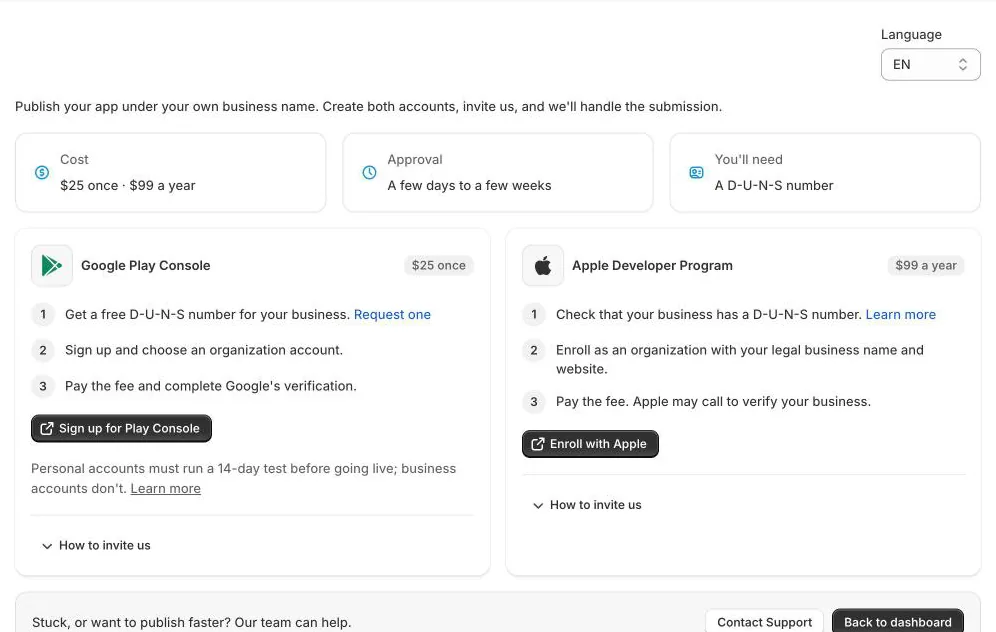
At a glance
- Cost: Google Play is $25 once; Apple is $99 a year.
- Approval: a few days to a few weeks.
- You'll need: a D-U-N-S number for your business. It's free; request one from Dun & Bradstreet if you don't have one.
Google Play Console
- Get a D-U-N-S number for your business.
- Sign up for the Play Console and choose an organization account.
- Pay the $25 fee and complete Google's verification.
Personal accounts must run a 14-day test with testers before the app can go live; business accounts don't.
Invite us: once the account is approved, invite [email protected] to it. We accept the invite and submit your app within 48 hours. Google's review usually takes 2–4 business days.
Apple Developer Program
- Check that your business has a D-U-N-S number.
- Enroll as an organization with your legal business name and website.
- Pay the $99 yearly fee. Apple may call to verify your business.
Invite us: in App Store Connect, go to Users and Access, click +, and add Name: Casa Mobile App Builder team, Email: [email protected], Role: Admin. Then click Invite.